NavEng
An indoor navigation web application delivering real‑time, turn‑by‑turn guidance across complex university buildings.
Jump to DemoProject Overview
The Challenge
The engineering blocks at NUS are notoriously maze-like. Existing navigation apps lack the detailed indoor maps and live rerouting capabilities needed to guide students and staff effectively.
The Solution
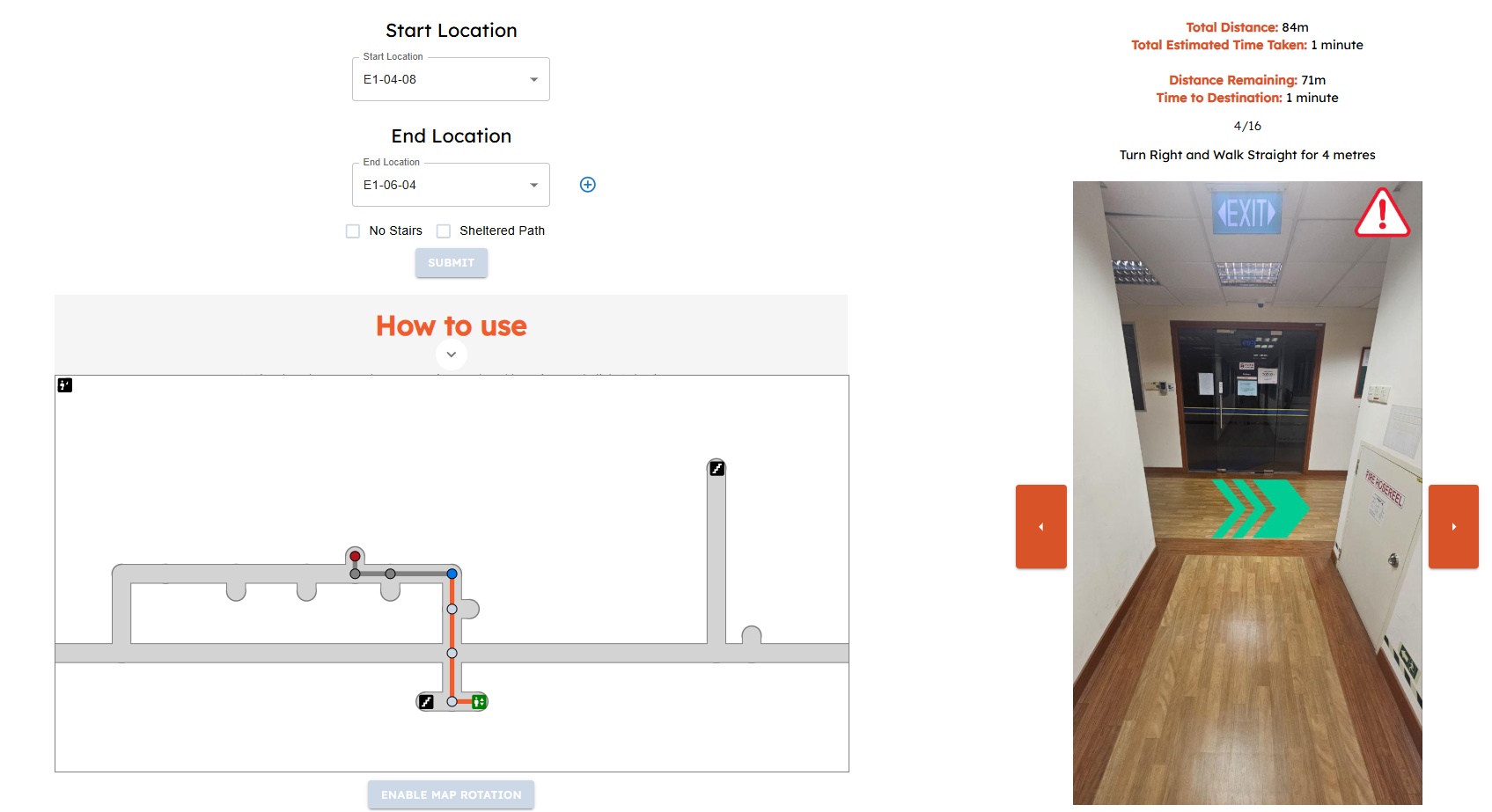
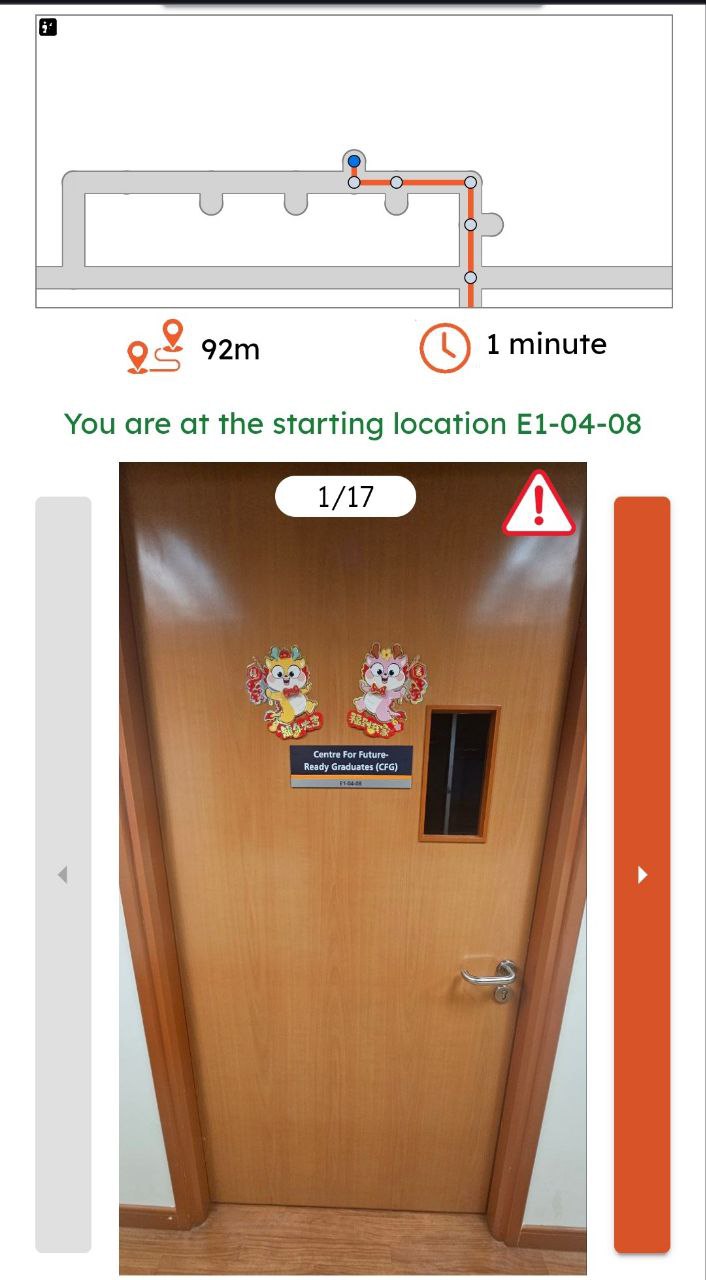
NavEng combines custom floor-plan parsing, Dijkstra's pathfinding algorithm, and a responsive React front-end to provide seamless, turn-by-turn indoor navigation accessible on any device.
Key Features
Shortest Path Routing
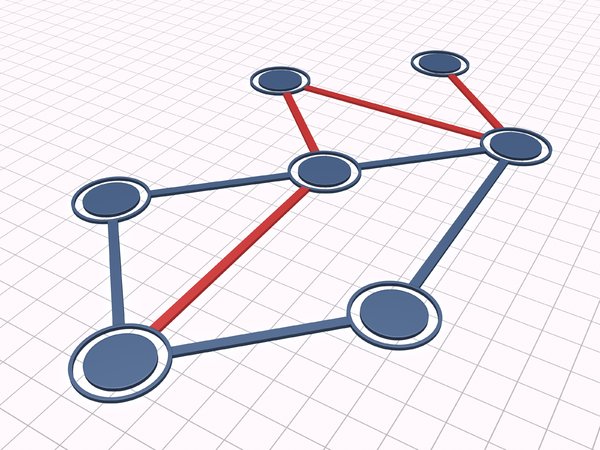
A C++ implementation of Dijkstra's algorithm calculates the optimal path, with path compression to reduce redundant steps.
Filtered Navigation
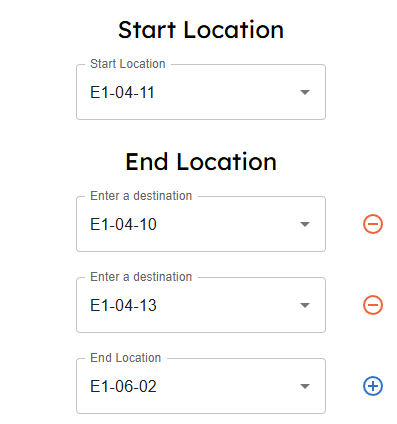
Paths can be filtered to avoid stairs or to only use sheltered walkways, catering to users with different accessibility needs.

Dynamic Rerouting
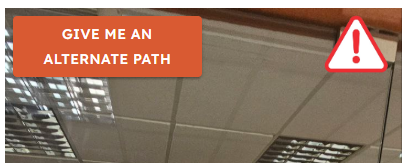
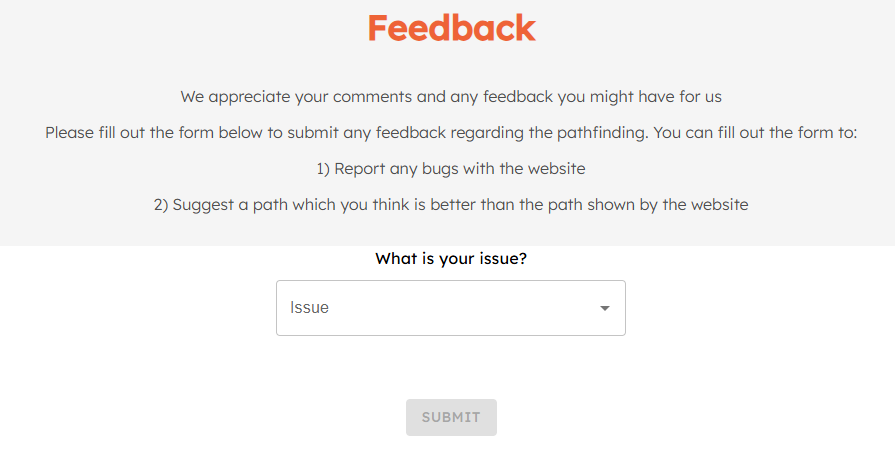
Users can report blocked paths in real-time, prompting the system to instantly calculate and provide an alternative route.
Top-Down Map View
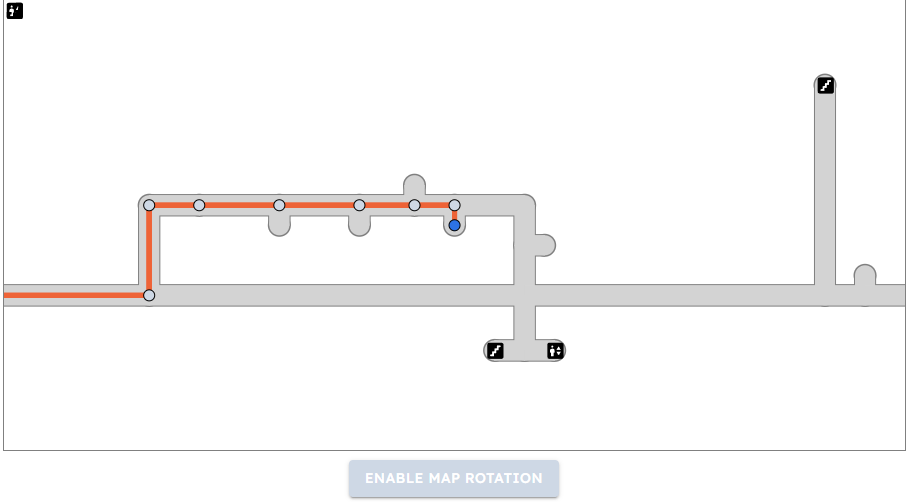
An SVG-based map provides a clear top-down view of the user's current floor, with options to rotate the map for better orientation.
Technology Stack
Project Timeline
Phase 1: Backend & Data Modeling
Designed the PostgreSQL database schema. Built the core Node.js REST API and the C++ pathfinding engine.
Phase 2: Frontend & Pathfinding
Developed the React front-end for map rendering with interactive SVG and integrated the Dijkstra pathfinding results.
Phase 3: Core Features & UI
Implemented multi-stop routing, path filtering, and the real-time "Report Blocked Path" feature. Refined the mobile and desktop UI.
Phase 4: Testing & Polish
Wrote end-to-end tests with Cypress and backend tests with Mocha. Conducted user testing and implemented feedback for UI/UX improvements.
Gallery
Live Demo
See It In Action
This video demonstrates a user navigating from a lecture theatre to a lab, with the app providing clear, turn-by-turn directions. It also shows the real-time rerouting feature when a hallway is marked as temporarily closed in the admin dashboard.
Watch Demo (3 mins)↗